Why Is My Website Not Converting? 7 Common Mistakes (And How to Fix Them)
Getting traffic but no sales, signups, or inquiries? Here are the 7 most common conversion-killing mistakes hiding on your website and exactly how a developer fixes each one.

Debajoyti Paul
Design Engineer
June 11, 2026
5 min read
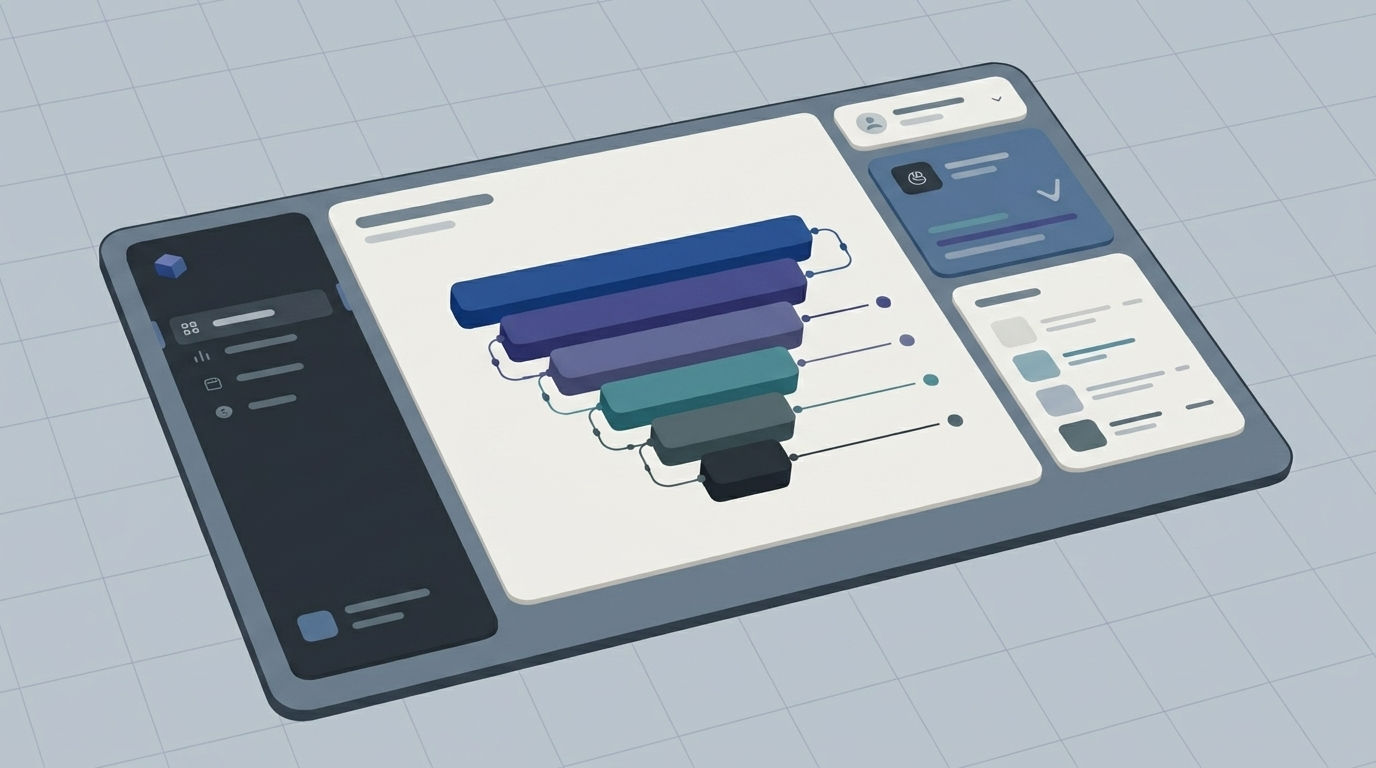
You're getting traffic. People are landing on your site. But they're not buying, signing up, or filling out your contact form and you can't figure out why.
Here's the truth: most websites don't have a traffic problem. They have a conversion problem. The average website conversion rate across industries hovers around 2-3%, which means even a "good" site is losing 97 out of every 100 visitors. The difference between a 2% and a 5% conversion rate isn't more traffic it's fixing what's broken right now.
Below are the 7 most common reasons websites fail to convert, and how to fix each one.
1. Your Website Loads Too Slowly
Every second of load time costs your conversions. If your homepage takes more than 3 seconds to load, a huge chunk of visitors leaves before they even see your offer.
The fix: Compress images, lazy-load below-the-fold content, switch to a modern framework like Next.js, and use a CDN. Run your site through Google Page Speed Insights if your mobile score is under 70, that's likely costing you sales right now.
2. Your Call-to-Action Is Weak, Hidden, or Confusing
If a visitor lands on your homepage and can't immediately answer "what do I do next?", they'll leave. Vague buttons like "Learn More" or "Submit" don't tell people what they're getting.
The fix: Use specific, benefit-driven CTAs ("Get My Free Quote," "Start Building Today"). Place your primary CTA above the fold and repeat it at natural decision points throughout the page not just buried at the bottom.
3. Your Website Isn't Mobile-Friendly
Over 60% of web traffic comes from mobile devices. If your buttons are too small to tap, your text overflows, or your layout breaks on smaller screens, mobile visitors won't convert they'll bounce.
The fix: Test every page on an actual phone, not just by resizing your browser. Tap targets should be at least 44px, text should be readable without zooming, and forms should be easy to fill out with one thumb.
4. You're Missing Trust Signals
Visitors are skeptical by default especially if they've never heard of your brand. No testimonials, no client logos, no reviews, no security badges? That hesitation kills the click.
The fix: Add real client testimonials with names and photos, display logos of companies you've worked with, show star ratings, and include trust badges near forms and checkout buttons.
5. Your Value Proposition Isn't Clear in 5 Seconds
If a visitor has to scroll, think, or guess what your business does and why it matters to them, you've already lost them. Your homepage headline is doing more work than any other element on your site.
The fix: Your hero section should answer three things instantly: what you offer, who it's for, and why it's better than alternatives. Skip clever wordplay clarity converts; cleverness doesn't.
6. Your Forms Are Too Long or Too Complicated
Every additional form field reduces your conversion rate. Asking for a phone number, company size, and three other fields before someone can even download a free guide is a conversion killer.
The fix: Only ask for what you absolutely need at this stage. Name and email are often enough for a first touchpoint you can collect more information later in the relationship.
7. Your Website Looks Outdated or Generic
Design isn't just aesthetics it's a trust signal. A cluttered, dated, or template-heavy website (especially one that looks like every other site in your niche) signals "this business hasn't invested in itself," and visitors transfer that impression to your product or service.
The fix: A clean, modern, branded design with intentional whitespace, smooth animations, and a cohesive visual identity does more than look good it signals credibility before a visitor reads a single word.
Quick Self-Audit
Ask yourself these questions about your site right now:
Does it load in under 3 seconds on mobile?
Is there one clear, specific CTA above the fold?
Can a stranger understand what you do within 5 seconds?
Are there real testimonials or trust signals visible without scrolling far?
Does your form ask for the bare minimum?
If you answered "no" to two or more of these, that's likely where your conversions are leaking.
FAQ
Why is my website getting traffic but no sales?
Traffic and conversion are two separate problems. Traffic means people are finding you; conversion means they trust you enough to act. Low conversion despite good traffic almost always points to friction slow load times, unclear messaging, weak CTAs, or a lack of trust signals.
What is a good website conversion rate?
Average conversion rates fall between 2-3% across most industries, though this varies by niche and traffic source. A well-optimized site can reach 5% or higher.
Does website speed really affect conversions?
Yes, page speed is one of the biggest conversion factors. Slower load times directly correlate with higher bounce rates and fewer conversions, especially on mobile.
How do I know which mistake is hurting my site the most?
Start with the self-audit above, then use tools like Google Analytics and Hotjar (heatmaps/session recordings) to see exactly where visitors drop off.
Final Thoughts
Most "low conversion" problems aren't mysterious they're a combination of small frictions that add up. Speed, clarity, trust, and design work together, and fixing even two or three of these issues can meaningfully move your numbers.
If you've gone through this list and suspect your website needs more than a quick tweak whether that's a full redesign, a performance overhaul, or rebuilding it from scratch with conversion in mind that's exactly the kind of work I do.
Let's talk about your website →
Turn observations into a scoped brief
Prioritise the mobile enquiry journey, clarity of service information and form reliability. See WordPress project examples and the website build process for relevant implementation work. Review what a scoped build includes; changes do not guarantee leads or rankings.
Written by
Debajoyti Paul
Freelance design engineer with 3+ years building high-converting Next.js and WordPress sites for startups and small businesses.
More about me →