Why Isn't My Website Getting Leads? 7 Signs You're Losing Customers
Why isn't my website getting leads? Here are 7 signs your website is quietly losing you customers, and how to spot which one is hurting you most.

Debajoyti Paul
Design Engineer
July 19, 2026
6 min read
Your website looks fine. It loads. The design isn't broken. People land on it every week, according to your analytics. And yet the phone doesn't ring and the inbox stays quiet. If you've ever asked yourself why isn't my website getting leads, you're not alone, and more importantly, you're not imagining it. A website can be visually fine and functionally broken at the same time, because looking good and generating leads are two completely different jobs, and most sites are only built for the first one.
Traffic Without Leads Is a Symptom, Not a Coincidence
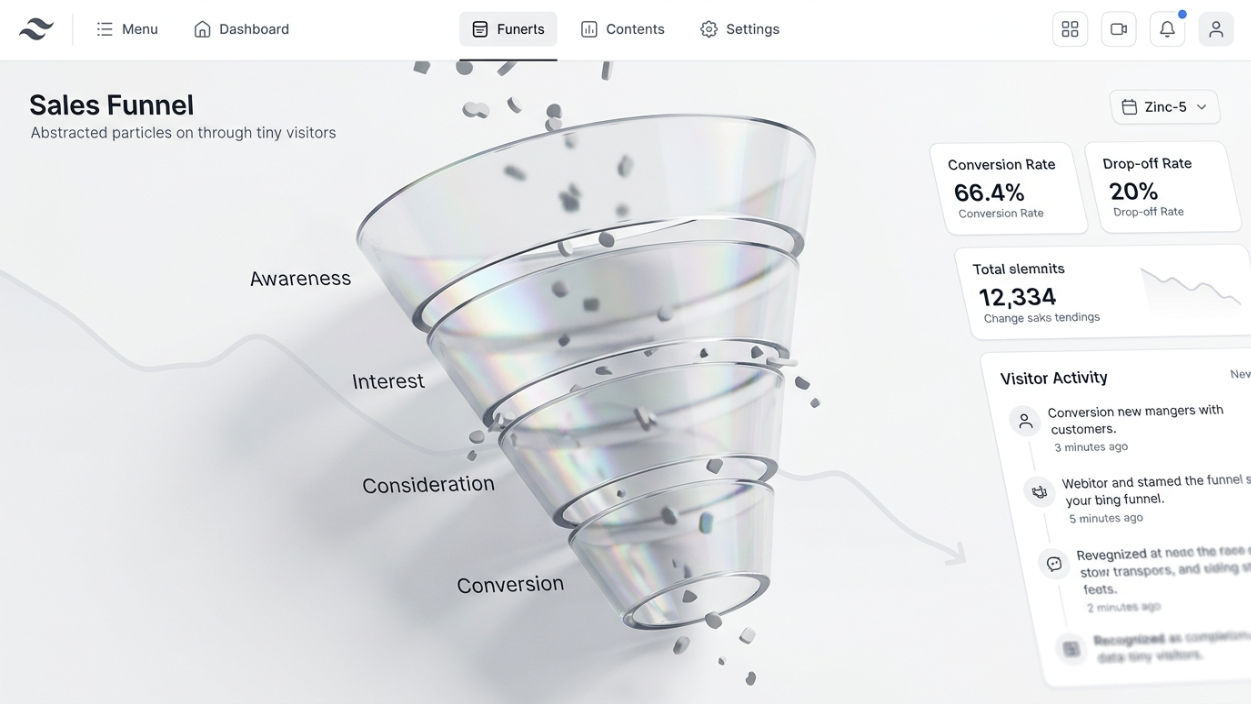
If people are visiting but not converting, that's not bad luck. It's data. Somewhere between "landed on the page" and "took action," something is quietly talking a visitor out of contacting you. The fix isn't more traffic. More traffic into a leaky funnel just means more people leave without doing anything. The fix is finding the leak first, which is usually a smaller, more specific problem than "the whole website needs redoing."
Sign 1: There's No Single, Obvious Next Step
Open your homepage right now and count how many things you're asking a visitor to do. Read a blog post. Follow you on social. Look at a portfolio. Fill out a form. Check your pricing. If there are five competing calls to action, a visitor does the easiest thing, which is usually nothing. A page that converts asks for exactly one action, repeated a few times, not five different actions asked once each.
Sign 2: The Value Isn't Clear in the First Five Seconds
Visitors decide whether to keep reading almost immediately. If your homepage headline describes what you do instead of what a visitor gets, you've lost some of them before they scroll. "Full-stack web development services" describes a job title. "A website that turns visitors into clients" describes an outcome. One of those makes someone want to keep reading, and it's rarely the job title.
Sign 3: Contacting You Feels Like Work
Anything more than a name, an email, and a one-line message is friction, and friction is where leads quietly disappear. A ten-field contact form, a mandatory phone number, a form buried three clicks deep, a chat-bot that won't get out of the way all of it does the same thing: it makes reaching out feel like effort instead of a two-minute decision. This one alone answers why isn't my website getting leads for a huge share of small business sites, because the traffic was never the problem.
Sign 4: There's Nothing That Builds Trust Before the Ask
A stranger has to trust you at least a little before they hand over contact details. No testimonials, no case studies, no visible process, no answers to obvious questions, and you're asking someone to trust you with nothing to back it up. This is exactly the mistake covered in Why Is My Website Not Converting? 7 Common Mistakes (And How to Fix Them), if you haven't already gone through it. Trust signals aren't decoration. They're what makes the next step feel safe enough to actually take.
Sign 5: Mobile Is an Afterthought
More than half of your traffic is very likely arriving on a phone. If a button is too small to tap accurately, if a form field zooms in awkwardly, if text runs off the edge of the screen, you're not losing a few visitors. You're losing the majority of them, on the device most people actually use to browse.
Sign 6: The Site Is Slow Enough to Lose Patience
A few extra seconds of load time is enough for a visitor to bounce before they've seen anything you've built. This one's brutally simple: no one waits around to be convinced. If your site is slow, it doesn't matter how good the rest of the page is, because most visitors never make it past the loading spinner, and a slow site quietly answers why isn't my website getting leads before a visitor ever reads a word of your copy.
Sign 7: There's No Reason to Act Today
Even an interested visitor can leave and never come back if there's no reason to act now instead of later. A limited intro offer, a simple "spots filling for this month" note, a clear next step with urgency attached any of these nudge browsing into action. Without one, "I'll come back to this later" is where most interest quietly dies, and most of those visitors genuinely never do come back.
How to Actually Find Your Leak
You don't need to guess at all seven signs at once. Start with what your own analytics already show you. If people are landing and leaving fast, the problem is usually the first five seconds, not the contact form. If they're browsing several pages but never reaching your contact page, the problem is probably a missing or unclear call to action. If they reach the contact page and still don't submit, that's a friction problem with the form itself. Your traffic data is already telling you where to look for leads that got away. Most site owners just haven't been looking at it that way.
What This Actually Costs You
Every visitor who leaves without converting isn't a neutral outcome. It's a lead that went to a competitor, or simply gave up on solving the problem that brought them to your site in the first place. Traffic without conversion isn't a smaller win it's closer to running ads for a business you never actually open the door of. A site that's not getting leads at the same rate it's getting visitors isn't under-performing by a little. It's leaving real revenue on the table every single week.
Why Isn't My Website Getting Leads? Start Here
Pick the one sign above that made you wince a little. That's usually the real leak, not the one that's easiest to fix. Fix that one first, watch what changes in your numbers over the next few weeks, then move to the next. Small, deliberate fixes almost always outperform a full redesign done in one go, because you actually learn what was broken instead of just hoping something new works better.
If you want a second pair of eyes on where your own site is losing people, I do exactly this kind of audit for clients regularly. Happy to take a look and tell you straight what I'd fix first.

Written by
Debajoyti Paul
Freelance design engineer with 3+ years building high-converting Next.js and WordPress sites for startups and small businesses.
More about me →