Is Your Website a Security Risk? What Small Business Owners Actually Need to Check
Is your website a security risk? Most small business owners have never once checked. Here's what actually makes a site vulnerable, what it costs if it goes wrong, and the 10-minute audit you can run today.

Debajoyti Paul
Design Engineer
August 12, 2026
6 min read
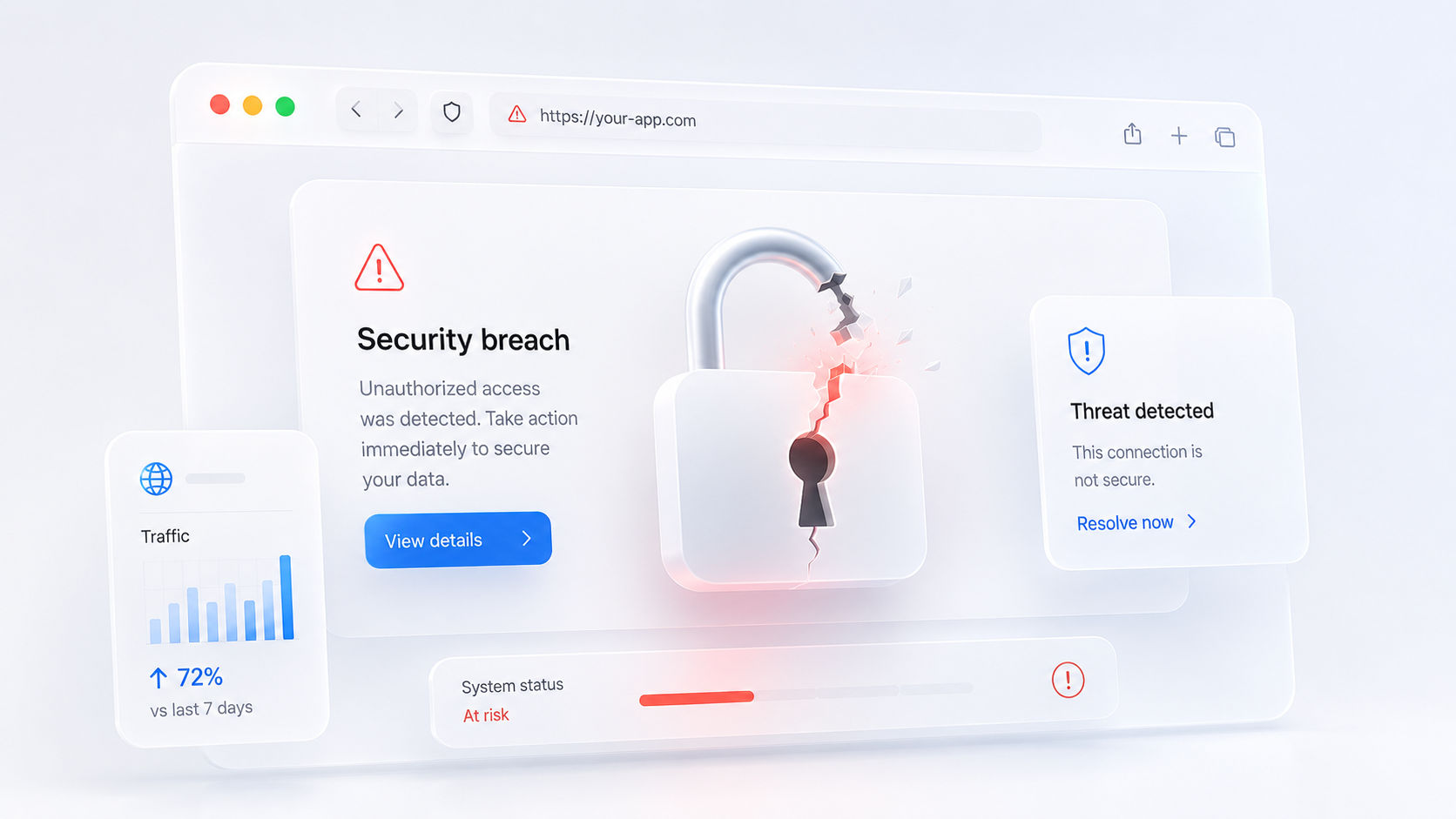
Is your website a security risk? Most small business owners have never once checked. Not because they don't care. Nobody ever told them what to actually look for.
Here's the uncomfortable part. You don't need to be a big company to be a target. According to Accenture's Cost of Cybercrime study, cited by the U.S. Small Business Administration, 43% of all cyberattacks target small businesses specifically, not because small businesses have more to steal, but because they have far weaker defenses. Hackers aren't picking targets by size. They're picking targets by ease.
Here's what that actually means for your website, and the handful of things worth checking today.
Is your website a security risk? Start with why small businesses get targeted
Big companies have IT teams, security budgets, and dedicated staff watching for threats. Most small businesses have none of that. A website gets built once, launched, and left alone for years. That gap is exactly what attackers look for.
An Astra security audit found website attacks make up a meaningful share of small business breach incidents, and that phishing remains the most common way attackers get their first foothold. CISA reports that over 90% of successful cyberattacks begin with a phishing email, tricking someone into clicking a link or handing over a password. Your website doesn't need to be the weak link directly. It just needs to be connected to one.
What actually makes a website vulnerable
Most website security problems aren't sophisticated. They're basic maintenance that never happened.
An outdated CMS or plugins. If your site runs on WordPress or a similar platform, every unpatched plugin is a known door left open. Security researchers publish these vulnerabilities publicly, which means attackers don't need to find them, they just need to scan for sites that haven't updated.
No SSL certificate. If your site loads as "http" instead of "https," modern browsers actively warn visitors it isn't secure. That's not a minor technical detail. It's a visible red flag shown to every person who visits your site, right before they decide whether to trust you with their information.
Weak or reused admin passwords. A password used across multiple accounts means one leaked login anywhere online can hand someone the keys to your site. This is still one of the most common ways small business websites get compromised, and it costs nothing to fix.
No backups. If your site gets compromised and you have no recent backup, recovery isn't a quick fix. It's rebuilding from nothing, and losing every order, form submission, or piece of content in between.
No multi-factor authentication. A password alone is one barrier. Multi-factor authentication adds a second one, and it stops the overwhelming majority of automated login attempts before they get anywhere near your dashboard.
No malware scanning or firewall. Most website hosting doesn't include active malware scanning by default, it's usually an add-on nobody turns on. Without it, a compromised site can sit infected for weeks before anyone notices, quietly serving malware to visitors or getting flagged and de-indexed by Google.
What a compromised site is actually used for
It's worth understanding what attackers typically want once they're in, because it's rarely as dramatic as people assume. A hacked small business site is often used quietly, injecting hidden spam links to boost someone else's search rankings, redirecting a fraction of visitors to another site, or sending phishing emails from your domain because it hasn't been flagged yet. Your business might not notice for weeks, until Google flags the site, your email starts bouncing, or a customer mentions something looked off.
What this actually costs if it goes wrong
The numbers here are worth sitting with. Total Assure's 2026 research puts average small business breach losses at roughly $254,000, with typical incidents ranging from $120,000 to over a million depending on severity. That same research found something more useful, though: prevention costs roughly 50 to 60 times less than recovery, somewhere in the range of $5,000 to $15,000 a year in basic security practices, against $500,000 or more if something actually goes wrong.
Insurance doesn't close that gap either. Only about 17% of U.S. small businesses carry cyber insurance, according to Total Assure's research, which means the overwhelming majority would be paying recovery costs entirely out of pocket.
None of this requires an enterprise security budget. It requires the basics actually being done, and checked periodically instead of set up once and forgotten.
The 10-minute check you can run right now
You don't need a developer for this part. Open your site and work through it yourself.
Check your address bar for the padlock icon and "https" at the start of your URL. If it's missing, that's your first fix, and usually a fast one.
Log into your CMS and look for an update notification. If your platform or plugins show as outdated, that's an open door sitting there right now.
Try logging in with your current admin password and ask yourself honestly whether it's used anywhere else. If the answer is yes, change it today.
Check whether multi-factor authentication is turned on for your admin login. If you're not sure, it probably isn't.
Ask whoever manages your site when the last backup was taken, and where it's stored. "I'm not sure" is the answer that should worry you most.
If two or more of these come back as a problem, your site is more exposed than you probably realized five minutes ago.
This isn't about scaring you, it's about closing an open door
None of this means your business is about to get hacked tomorrow. Most small business websites run for years without incident. But the businesses that do get hit are almost never the ones that were specifically targeted. They're the ones that were simply easiest to get into, an outdated plugin here, a reused password there, no backup anywhere.
Fixing that isn't expensive, and it isn't complicated. It's a handful of basic checks most business owners have simply never been walked through.
If you've gone through this list and found more than one red flag, or you'd rather have someone else run the audit properly, that's a conversation worth having before it becomes a problem instead of after.
Related Reading

How to Choose the Right Web Development Solution for Your Business (Without Getting Burned)
Three quotes, three prices, zero questions asked. Here's how to evaluate a web development solution for your business before you sign off on one.

Do You Need a Mobile App, or Just a Faster Website?
Do you need a mobile app, or just a faster website? Most small businesses default to "we need an app" when a fast, installable site would actually solve the problem for a fraction of the cost.
Written by
Debajoyti Paul
Freelance design engineer with 3+ years building high-converting Next.js and WordPress sites for startups and small businesses.
More about me →