Website Redesign vs Rebuild: How to Know Which You Need
Website redesign vs rebuild they get treated as the same decision, but they're not. Here's how to tell which one your site actually needs.

Debajoyti Paul
Design Engineer
July 19, 2026
6 min read
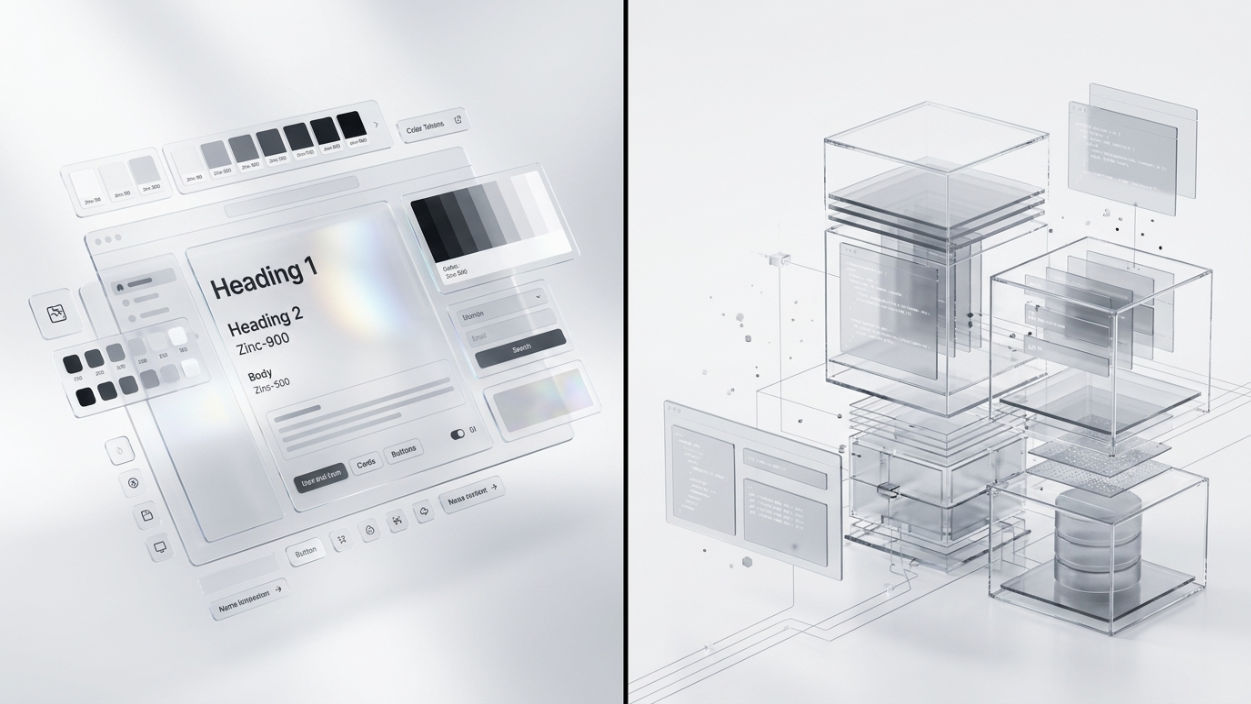
At some point, almost every business looks at its website and feels the same itch: this isn't working the way it used to. The instinct is usually to redesign it. But that instinct is often wrong, or at least incomplete, because the real decision isn't whether to change the website. It's website redesign vs rebuild, and those are two very different projects wearing the same name.
Confusing the two is expensive. Pay for a redesign when you actually needed a rebuild, and you'll be back here again in six months with the same problem repainted. Pay for a rebuild when a redesign would have done the job, and you've spent five times what you needed to, for a result you could have gotten at a fraction of the cost and disruption.
What a Redesign Actually Changes
A redesign works on top of what already exists. The site's underlying structure, its content, its core functionality, all of that stays largely intact. What changes is how it looks and feels: visual design, layout, branding, copy, images. Think of it as renovating a house you're happy with structurally. New paint, new fixtures, a better layout in the kitchen, but the foundation and the frame stay exactly as they are.
A redesign is the right call when the site technically works fine. Pages load, forms submit, the CMS behaves. The problem is entirely about how dated or off-brand it looks, or how confusing the layout is for visitors trying to find what they need.
What a Rebuild Actually Changes
A rebuild starts from the foundation up. New codebase, often a new platform entirely, new architecture, sometimes a completely different tech stack. This is the actual house-versus-renovation distinction: you're not repainting a room, you're tearing down a wall that was never load-bearing correctly to begin with.
A rebuild becomes necessary when the site's problems live underneath the surface. It's built on an outdated or unsupported platform. It can't support features the business now needs, whether that's e-commerce, a booking system, or a customer portal. It's slow at a structural level, not a content level. Or the whole thing was built years ago on a stack nobody wants to maintain anymore.
Website Redesign vs Rebuild: The Cost and Timeline Gap
The two options aren't just different in scope, they're different in nearly every practical way that matters to a business owner. A redesign usually takes weeks, touches the front end mostly, and leaves your existing content, URLs, and SEO history largely intact. A rebuild usually takes months, touches everything from the database up, and often means migrating content, redirecting old URLs, and rebuilding SEO signals that took years to earn. Underestimating that gap is one of the most common reasons rebuild projects run over budget: the visible part of the site is the smallest piece of the actual work.
The Fastest Way to Tell Which One You Need
Ask one question first: is the problem what visitors see, or what the site can do? If it's purely visual, outdated fonts, an old logo, a layout that feels cluttered, that's a redesign conversation. If the site literally can't do something the business needs, can't handle current traffic, can't integrate with a tool you rely on, or breaks constantly, that's a rebuild conversation, no matter how the current design looks.
A second, quieter signal: how the site was built in the first place. A site built five or more years ago, especially on an old or heavily customized platform, often can't be meaningfully redesigned without touching its underlying code anyway. In that specific case, what looks like a redesign request quietly turns into a rebuild once someone actually opens the codebase.
Signs You Probably Need a Redesign
The site works fine functionally, but the brand has moved on and the site hasn't.
Visitors say the site feels outdated, even though nothing is technically broken.
The layout and navigation are confusing, but the platform underneath is current and supportable.
You mainly need new content, new photography, and a visual refresh, not new functionality.
Signs You Probably Need a Rebuild
The site runs on a platform that's outdated, unsupported, or that no developer wants to touch anymore.
You need functionality the current platform genuinely cannot support.
Page speed and performance issues are structural, not just a matter of compressing a few images.
The site was patched together over years by different people, and nobody fully understands how it works anymore.
Why This Decision Matters More Than It Looks Like It Does
The website redesign vs rebuild decision isn't just about cost, though the cost gap between the two is real and often large. It's about whether you're solving the actual problem or a symptom of it. A redesign on top of a broken foundation is a short-term fix. It'll look better for a while, and then the same underlying issues resurface, usually at the worst possible time, like right before a launch or a busy season.
On the other side, rebuilding a site that only needed a visual refresh is its own kind of waste. It's more time, more budget, more risk, and more disruption than the actual problem called for, and none of that extra spend buys you anything the redesign wouldn't have.
How to Actually Decide
Start with a genuine, honest audit of the current site rather than a gut reaction to how it looks today. What's the platform it's built on, and is it still actively supported? What does the site need to do in the next two to three years that it can't do right now? Is the core structure sound, with the complaints being mostly cosmetic, or are the complaints really about things the site simply cannot do?
If you're not sure which category your site falls into, that uncertainty is itself useful information; it usually means the site's actual condition hasn't been properly assessed yet, only its appearance. A quick technical audit, even a short one, almost always makes the redesign-versus-rebuild decision obvious once you're looking at what's actually happening under the surface, instead of just what's visible in the browser.
If you're stuck between website redesign vs rebuild for your own site, send over the current site and I'll tell you straight which one it actually needs, and why.
Decide what needs to change
Before rebuilding, list the content, layouts and integrations you need to keep. A scoped WordPress redesign can reuse suitable content and components, with an interactive preview for approval. Review scope limits and separately quoted extras when comparing the options.
Related Reading
How to Choose the Right Web Development Solution for Your Business (Without Getting Burned)
Three quotes, three prices, zero questions asked. Here's how to evaluate a web development solution for your business before you sign off on one.

Is Your Website a Security Risk? What Small Business Owners Actually Need to Check
Is your website a security risk? Most small business owners have never once checked. Here's what actually makes a site vulnerable, what it costs if it goes wrong, and the 10-minute audit you can run today.
Written by
Debajoyti Paul
Freelance design engineer with 3+ years building high-converting Next.js and WordPress sites for startups and small businesses.
More about me →